

Best Practices for Creating an eCommerce Content Calendar
Best Practices for Creating an Ecommerce Content Calendar
Could a content calendar be the critical tool your business needs to thrive in the ecommerce world? 82% of marketers already say they’re consistently using content marketing in their efforts to increase conversions. What’s more, 56% of marketers say content is an effective (and valuable) tool.
The trouble is, creating consistently engaging, relevant and powerful content for your audience takes a lot of time and effort. Even if you have a team of dedicated writers and creators to help you, it’s hard to consistently come up with fresh ideas, and publish everything at the right time.
A content calendar could be the answer.
Creating a content calendar means you can plan all kinds of campaigns quickly and easily, and publish them at the time most relevant to your audience. With your content calendar ideas to guide you, you’re less likely to run out of inspiration. Plus, you can ensure you’re prepared for upcoming seasonal events, like holiday marketing.
So, where do you begin?
How To Make A Content Calendar For An Ecommerce Brand
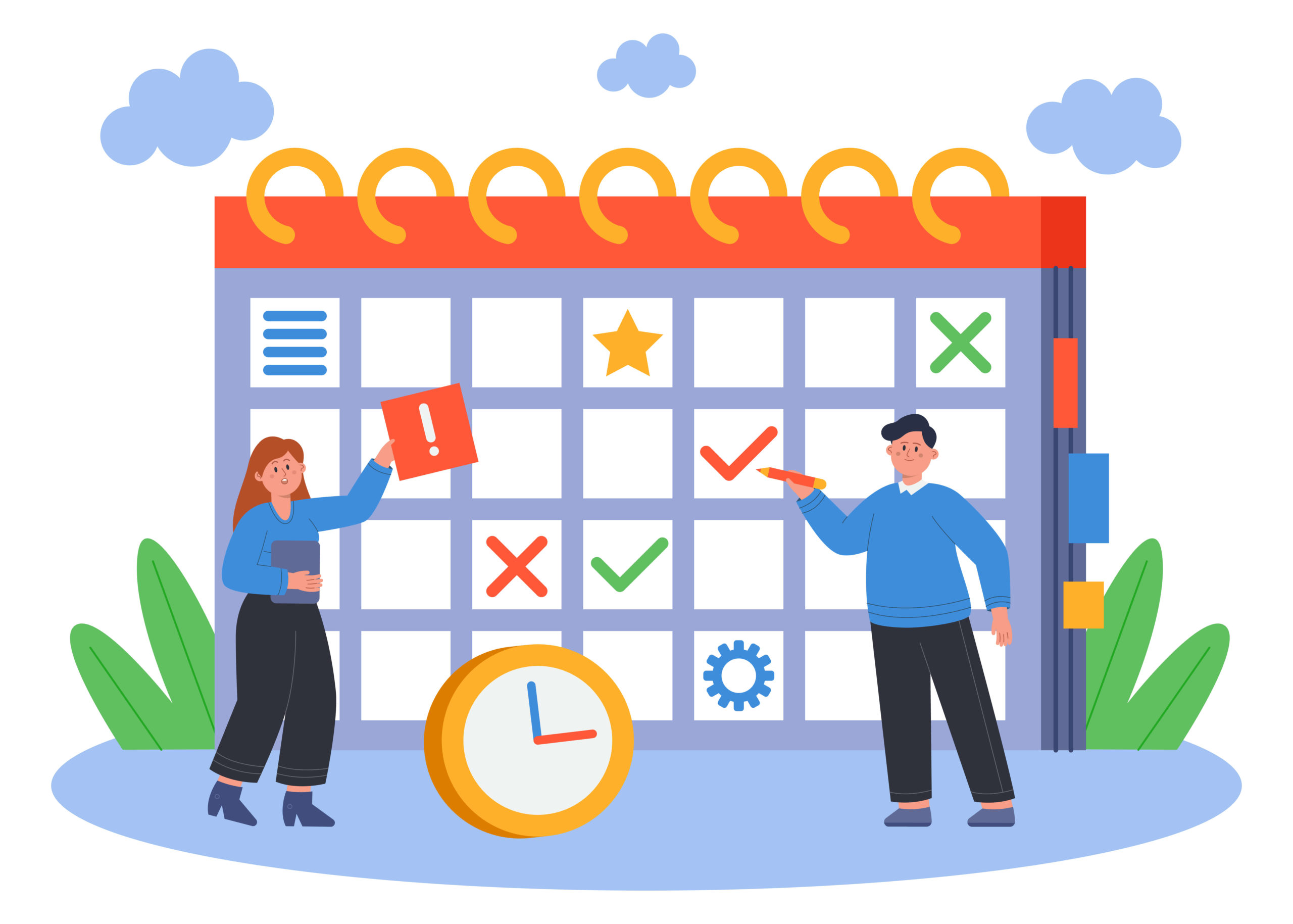
There’s no one-size-fits-all strategy for building a successful content calendar. Some companies use specialist tools to help them, while others simply organize their content into a spreadsheet. Let’s look at some of the key steps to help get you onto the right track.
Step 1: Create your Content Calendar Template
The first thing you’ll need for your content calendar is a clear template to follow.
There is an abundance of tools to help with this on the web, including special social media calendaring tools. You can even find pre-made content templates on Google by searching for “Content calendar template Google Sheets”.
A basic spreadsheet is ideal for anyone who doesn’t want to spend a lot of time learning how to adopt new pieces of software. Though the exact components of your content calendar might vary, the most important information to consider includes:
- The channel: Where you’re posting your content (social media, blog, etc)
- Topics to cover: The kinds of posts, like themed posts, expert articles, and press releases.
- Dates and times: When the content needs to be completed, and when it should be published.
- People: Who’s responsible for creating, editing, publishing, and promoting the content.
- Follow through: How you’ll collect insights into your content’s performance

Step 2: Choose Your Channels
Now you have your template, you can start thinking about where you’re going to be promoting your content. You may have a separate blog content calendar and social media calendar, depending on how your team works. Or you might combine everything together.
The key to success here is thinking about where your customers are most likely to consume your content. Aside from common options like your blog, Facebook, Instagram, and Twitter, don’t be afraid to consider other options. Q&A forums like Quora and Reddit are excellent for collecting engagement for your ecommerce store too.
If you’re going to be promoting PR content (press releases and news stories), you’ll also need to think about where this editorial content is going to go. What kind of companies can you collaborate with to reach the widest possible audience?
Remember you can also cross-promote the same content across multiple channels. Take snippets of blogs to your social media posts to draw more people back to your website. Highlight your posts on Instagram on Facebook simultaneously by dual-posting on both platforms.
The more diverse your channels, the more people you’re likely to reach.

Step 3: Decide on Your Content Campaign Types
Once you have an idea of where you’re going to be publishing your content, you can start building on your plan, with campaign options. As mentioned above, there are various ways to fill your content calendar with different methods of engaging with your audience. For instance, you can try:
- Sales and promotions: Notify prospective customers when existing inventory is going on sale through your social media posts, and email newsletters
- Theme posts: Highlight a specific theme for certain points of the year. For instance, you might have holiday posts centred around the festive season. You could also highlight important events in your industry as a chance to share more content.
- Thought leadership: Press releases, news stories, and blog content are all excellent way to build your company’s credibility and demonstrate your knowledge.
- Giveaways and contests: Contests and giveaways are an excellent way to get people more excited about your brand. You can even use these strategies to collect user-generated content, which you can share elsewhere in your calendar for social proof.
- Product launches: This form of content revolves around introducing people to new products, and generating excitement for different releases.
Remember, while you might have specific content topics to cover at certain points in the year, it’s also important to keep plenty of evergreen content on hand. Copy and graphics not linked to a specific date or time will remain useful to your customers throughout the year, and can help to fill out the gaps in your schedule when you haven’t got anything else to post.
You can even reuse some of your existing content, turning blogs into videos, or infographics, to connect with a broader audience.

Step 4: Set Your Publishing Schedule
With a clear idea of all the content you’re going to publish on different channels, and your template in place, decide when you’re going to publish your content. For upcoming events and product launches, you’ll want to start building excitement at least a few days before the event takes place.
For everything else, you should be following a relatively consistent schedule, so customers know how often to check your blog or social media accounts for more information. A good way to really make the most of your posting schedule is to determine when your audience is most likely to be online.
You can start by looking at how often your competitors post content on their blogs and social media channels. The chances are they’re targeting similar customers to you, so if their efforts appear to be working, you can mimic the same routine.
Another option is to use your analytics. There are various tools, from Google Analytics to social media tools like Facebook Analytics, which can show you when your customers are most active and engaged with your content.
Aside from deciding which times you should be posting; you’ll also need to determine how frequently you might want to produce new content. Some companies post something new every day. However, smaller companies often prefer taking things slow, with just a few posts a week.
Step 5: Monitor and Optimize Your Strategy
Finally, it’s time to start posting, and learning from your content calendar. Follow your schedule according to your plan, and implement tools for tracking the results of each campaign. You should be able to use options like Google Analytics and social media insights to see where your engagement levels are increasing and dropping.
This will give you an overview of what kind of content your customers respond to best, so you can adjust your strategy going forward. As you work on optimizing your plan, make sure you’re keeping it up-to-date with new content ideas for the months ahead. The further ahead you can plan, the more likely it is your content flow will remain uninterrupted.
With that in mind, don’t forget there may be times when you need to adjust your schedule or move from the pattern. For instance, when sudden events take place like a business disaster, you’ll need to jump to action straight away, rather than following the same content strategy.
Being agile and adaptable will ensure your content continues to seem relevant and engaging, even if you’ve planned most of it months in advance.
Using your Ecommerce Content Calendar
There’s no one-size-fits-all strategy for using an ecommerce content calendar. However, many companies do find that having their plan ironed out in advance is the best way to ensure they’re always connecting with and engaging their audience.
Keep a close eye on the results of each campaign, and be ready to adapt your strategy whenever you learn something new about your target audience.

Sign up for our Newsletter
Recent Posts


